Pokercat Guide
ACR, PokerKing, BlackChip
Finish the steps below once. After that, you can play without repeating this setup.
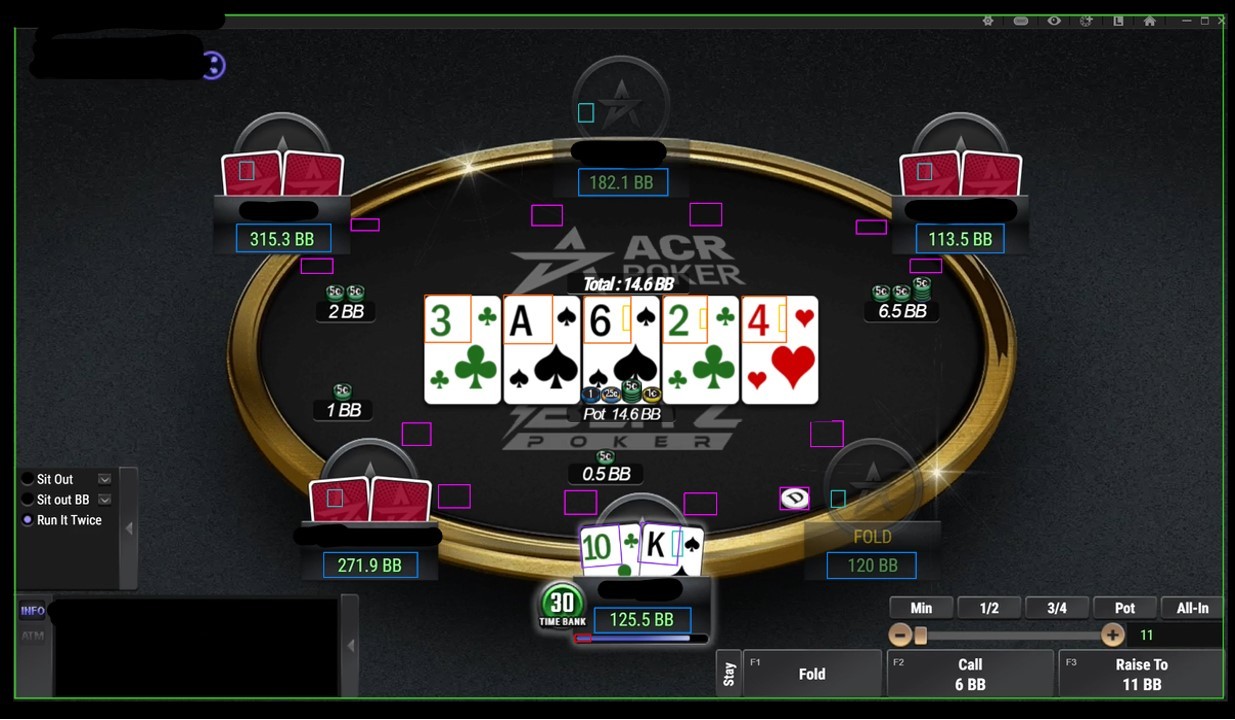
Capture game screen
ACR, PokerKing, BlackChip usually works with Browser Capture. In Pokercat, choose the game window or browser tab as the input source. If the video area is black or frozen, use OBS Capture or HDMI Capture Card instead.
Adjust in-game setting
Follow the in-game settings below exactly.
Settings > Table Design
Section titled “Settings > Table Design”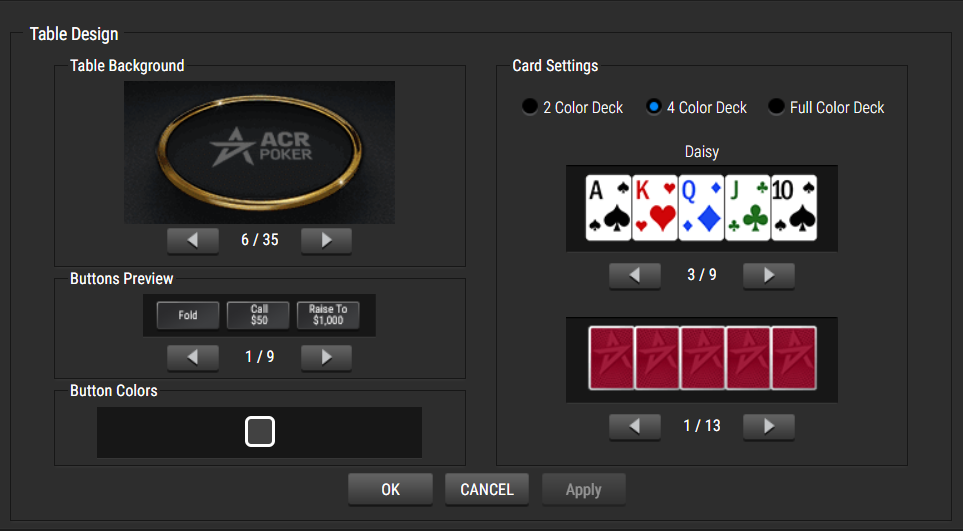
- On PokerKing and BlackChip, set the card back color to match ACR’s card back color (#870D2B).
Playing Experience > Gameplay
Section titled “Playing Experience > Gameplay”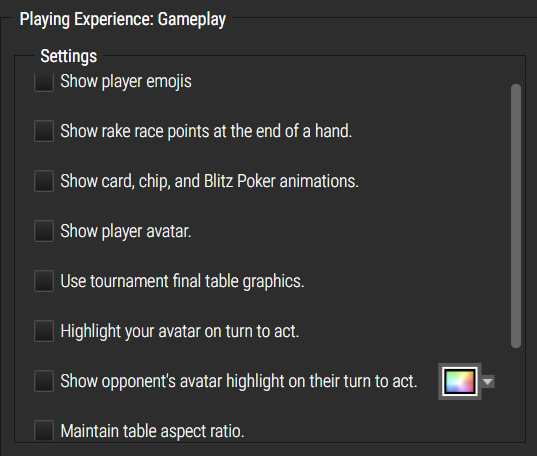
Playing Tools > Gameplay
Section titled “Playing Tools > Gameplay”
Make detection profile for this site